
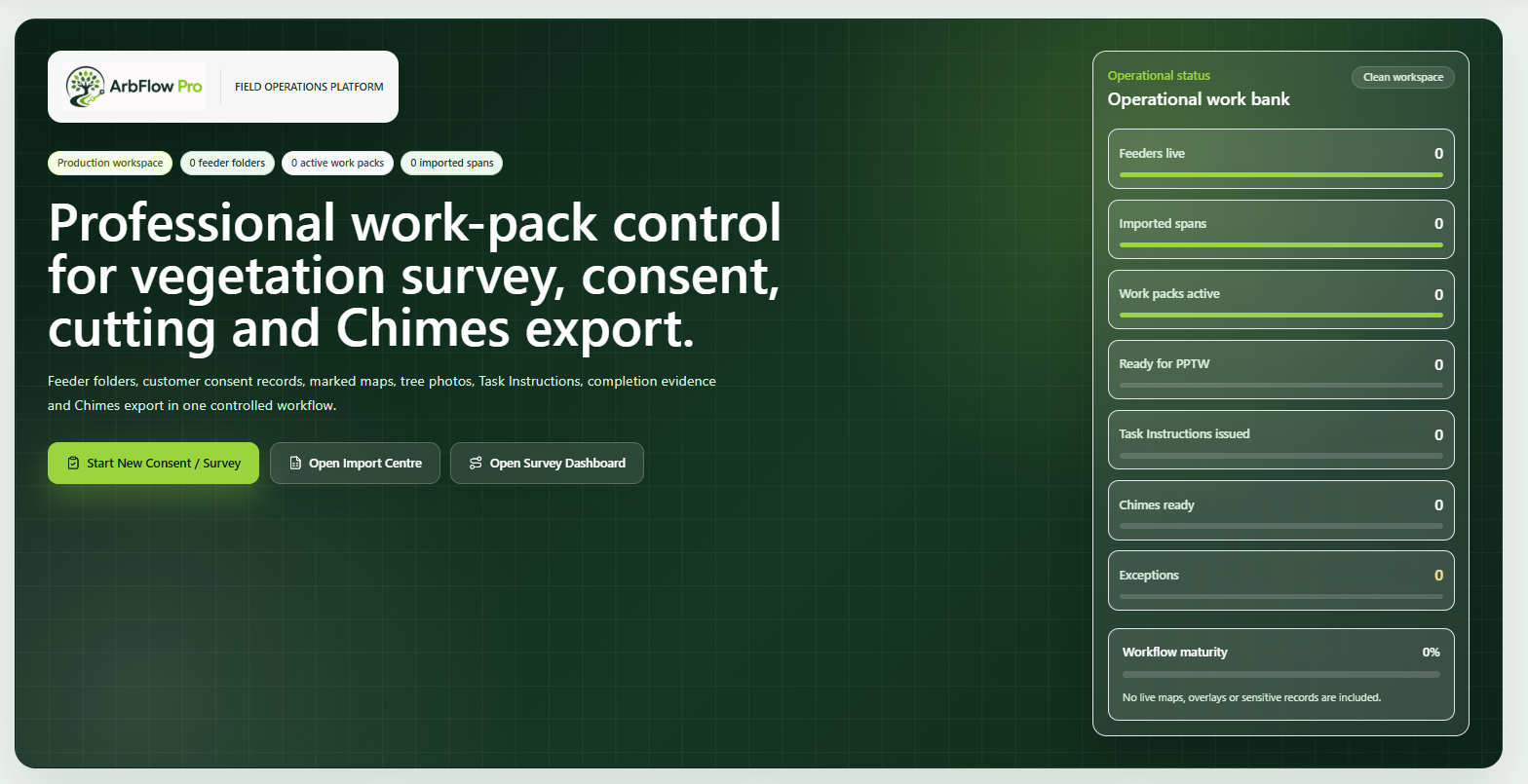
Dashboard control
Feeder folders, live priorities and progress views for directors, managers and Back Office users.
Workflow
The workflow is designed around the real handovers between Back Office, surveyors, cutting teams and managers.
The issued feeder or work list is received as the starting point for a controlled register.
Back Office imports the feeder spreadsheet and validates the rows before assigning work.
Jobs are allocated to surveyors with visibility of outstanding spans and slow-down risks.
Surveyors capture consent, tree works, access, arisings and marked evidence.
Back Office reviews the pack and issues the Task Instruction when ready.
Cutting teams open the issued pack and review the consent and Task Instruction before work.
Completion evidence, paper CHAT/POWA confirmation and outstanding work are captured.
Back Office prepares the client-ready workbook and evidence register.
The job is closed once completion review and export requirements are satisfied.
Operating model
ArbFlow Pro is built around the handovers that usually create delay, rework or missing evidence.
Back Office imports feeder spreadsheets, checks the register and turns received spans into live work folders.
Surveyors capture the site information needed for customer consent and the operational work pack.
The Task Instruction, consent and work-pack evidence are issued to the cutting team before work starts.
Cutting evidence, outstanding work and export readiness are reviewed before a client evidence workbook is prepared.
Workflow
A clear operating route for Back Office, surveyors, cutting teams and managers.
Client feeder received
Back Office imports feeder
Jobs assigned to surveyor
Survey and customer consent completed
Back Office review and PPTW / Task Instruction
Cutting team issued work pack
Completion evidence uploaded
Client export pack generated
Job closed
Product preview
These are non-sensitive concept previews only. They do not use real customer data, network overlays, live network maps or shapefile handling.
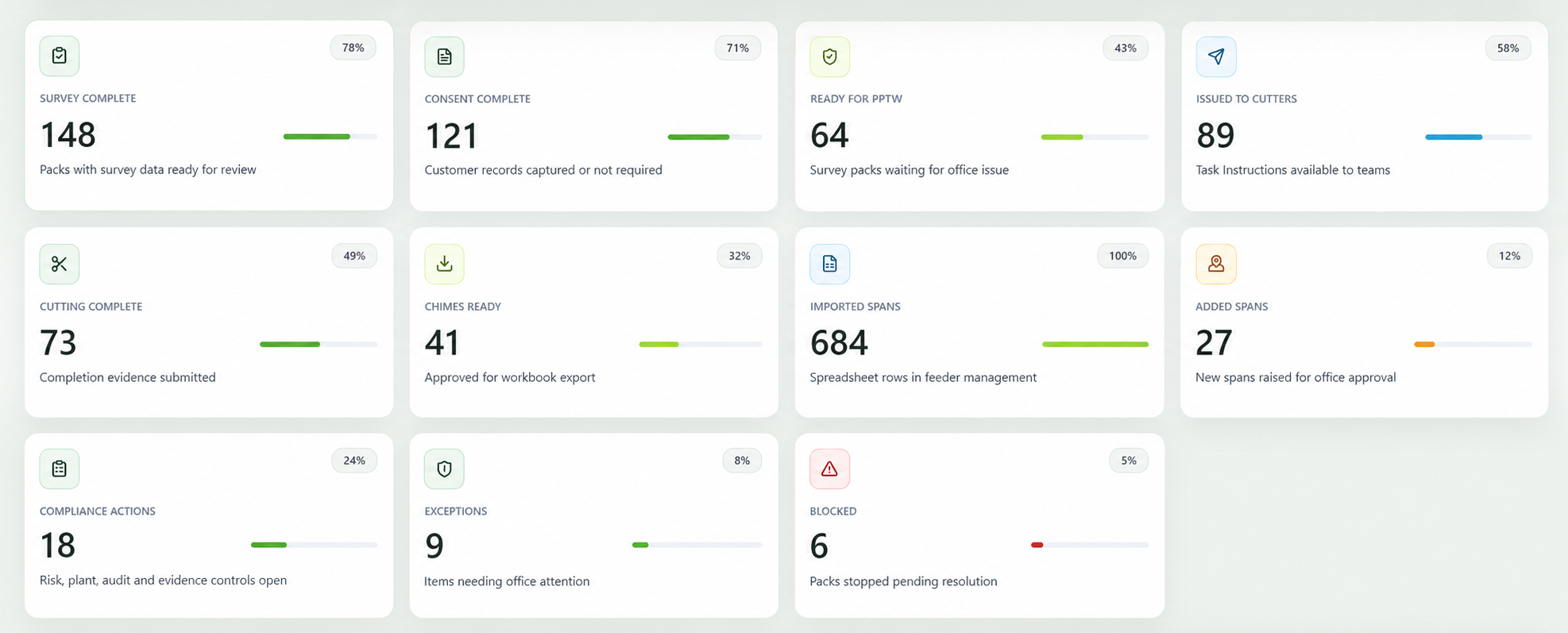
Feeder folders, live priorities and progress views for directors, managers and Back Office users.
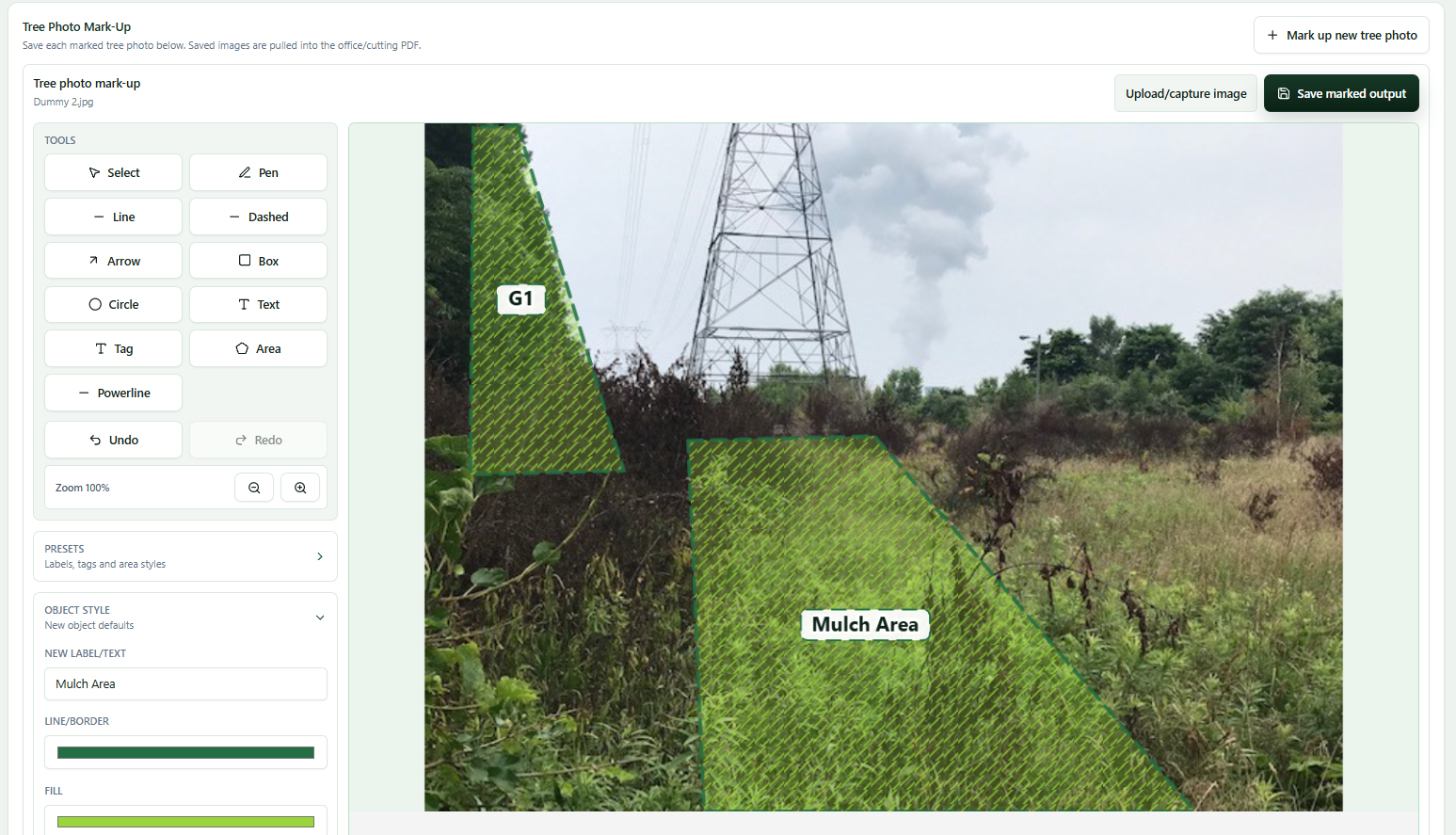
Compact field survey capture with customer-facing consent output and operational pack detail.
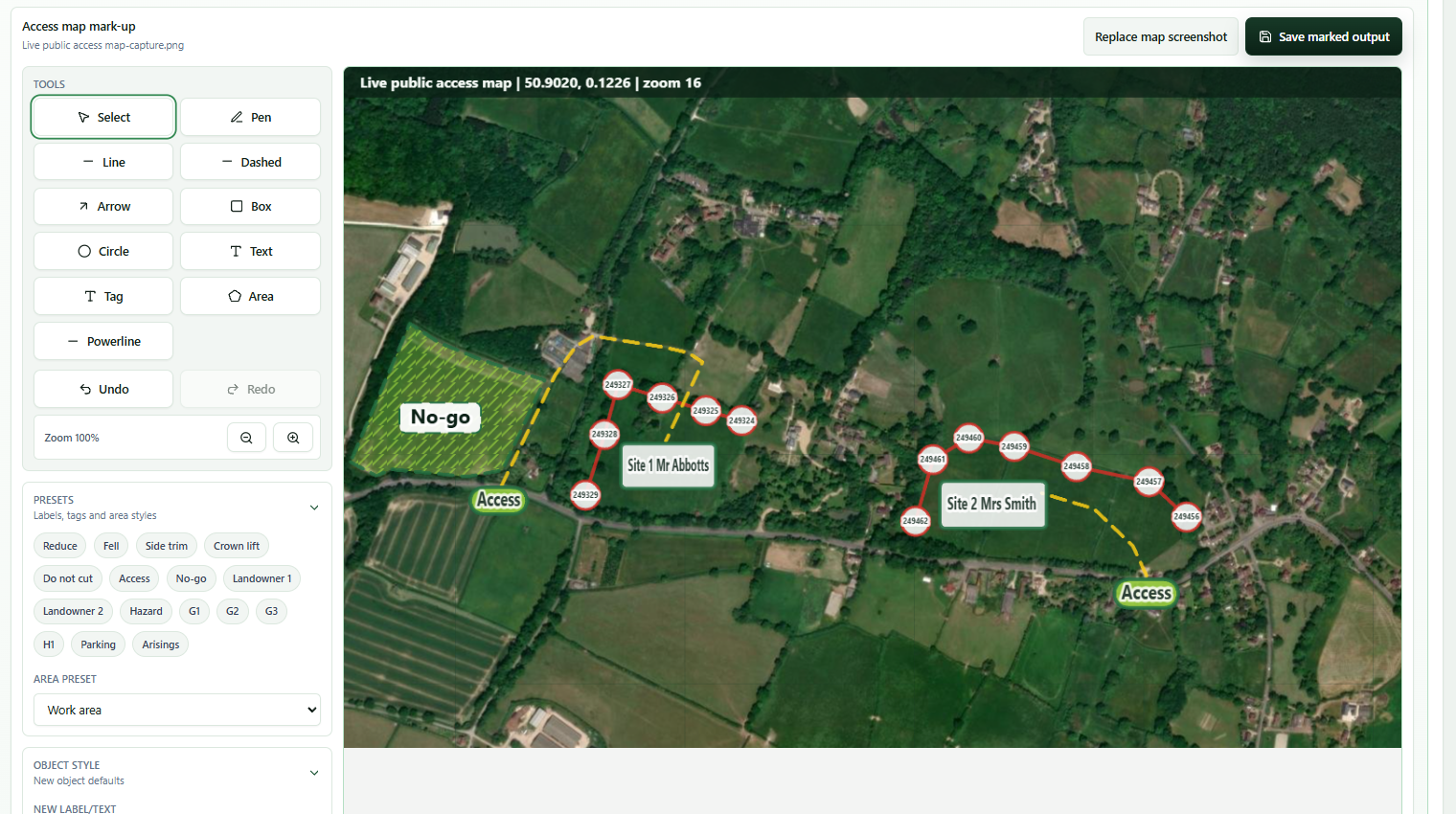
Public map or uploaded screenshot mark-up for access, work areas, hazards and tree group notes.
Structured issue record with location, network details, PICOS, team, controls and signature.
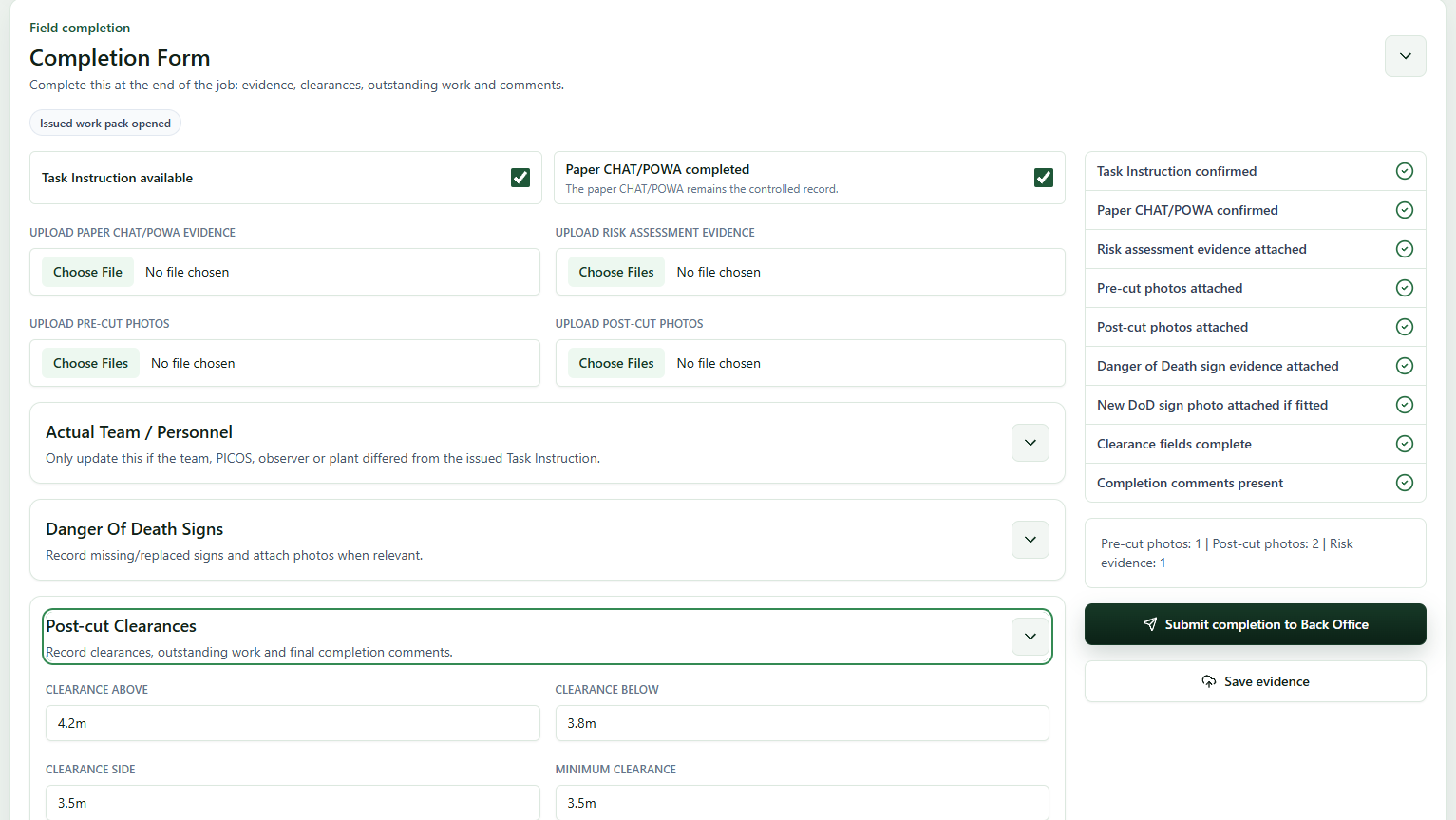
A simpler cutting-team workflow for consent review, Task Instruction review and completion evidence.
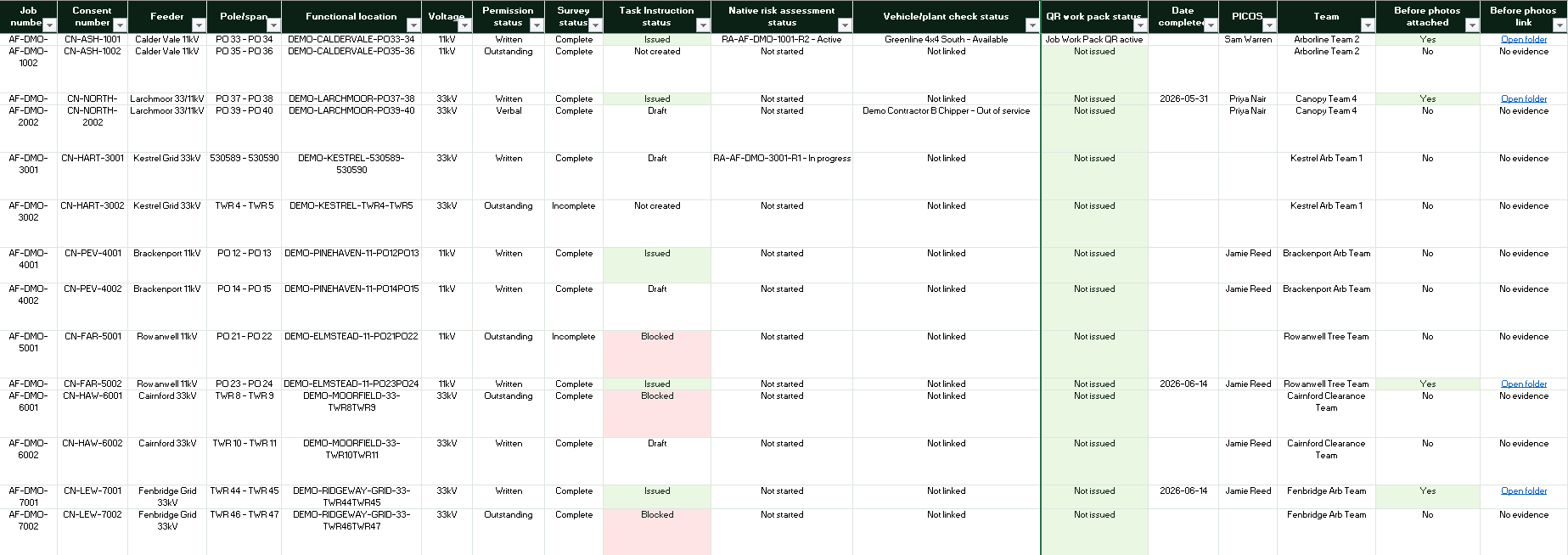
Smart spreadsheet output with readiness checks, evidence links and review status.
Controlled pilot
Start with the Founding Pilot at £199 + VAT per month for up to 10 active operational users, then move to a full workspace when the workflow is proven with your teams.